 cheatmode
Cheat code 02
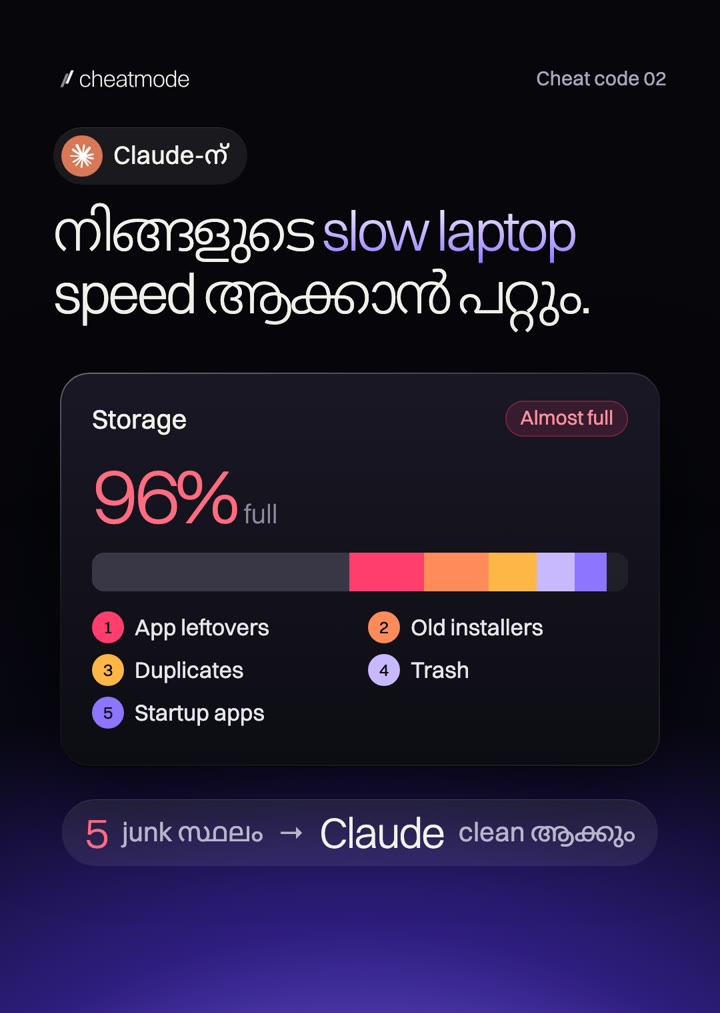
Junk ഒളിച്ചിരിക്കുന്ന 5 സ്ഥലങ്ങൾ check ചെയ്യും, ഒന്നും delete ചെയ്യുന്നതിന് മുൻപ് ചോദിക്കും.
എങ്ങനെ ചെയ്യാം
Claude തുറക്ക്
Claude desktop app തുറന്ന് Code-ലേക്ക് മാറ്.
Prompt paste ചെയ്യ്
താഴെയുള്ള prompt copy ചെയ്ത് paste ചെയ്യ്. ആദ്യം Claude നോക്കുക മാത്രം ചെയ്യും, ഒന്നും മാറ്റില്ല.
OK പറയ്
എന്ത് ചെയ്യും എന്ന് കാണിച്ചിട്ട് നിന്റെ OK-ക്ക് wait ചെയ്യും. എന്നിട്ട് മാത്രം fix ചെയ്യും.
Prompt
My laptop is slow. Be my careful cleanup assistant.

Step 1, look only, change nothing: tell me my OS, how full my disk is, and my 10 biggest folders. Then find safe junk: app caches and temp files, installers (.dmg .pkg .exe .msi .zip) in Downloads older than 30 days, exact duplicate files in Downloads and Desktop, and what's in the Trash or Recycle Bin. Also list my startup apps and the 5 apps using the most memory.

Step 2: show a table with each item, its size, why it's safe, and how to undo it. Skip system files, my Documents, photo libraries, and iCloud or OneDrive folders.

Step 3: wait for my OK. Then move files to the Trash or Recycle Bin (never delete permanently), tell me how to turn off each startup app, and check the disk again to show before and after.